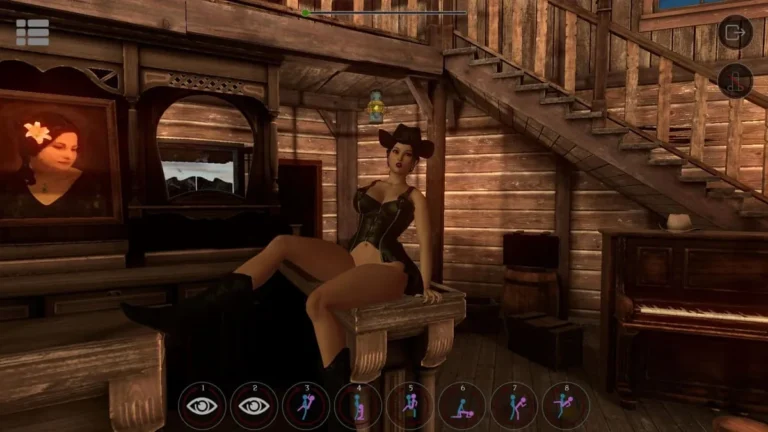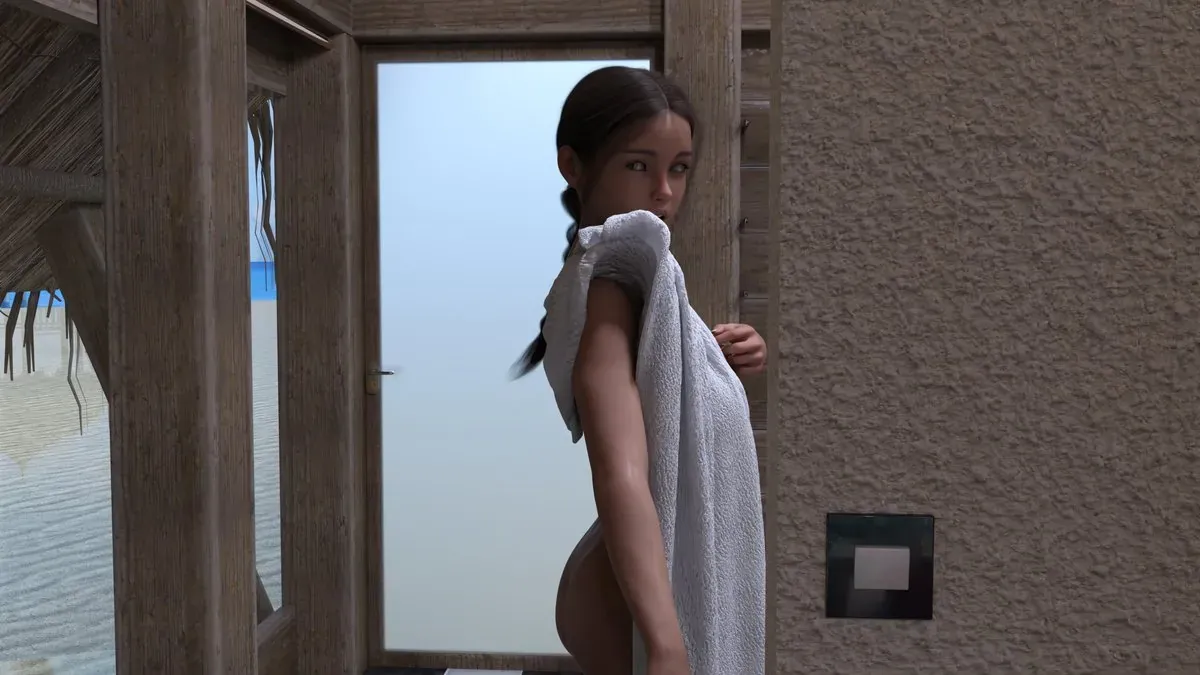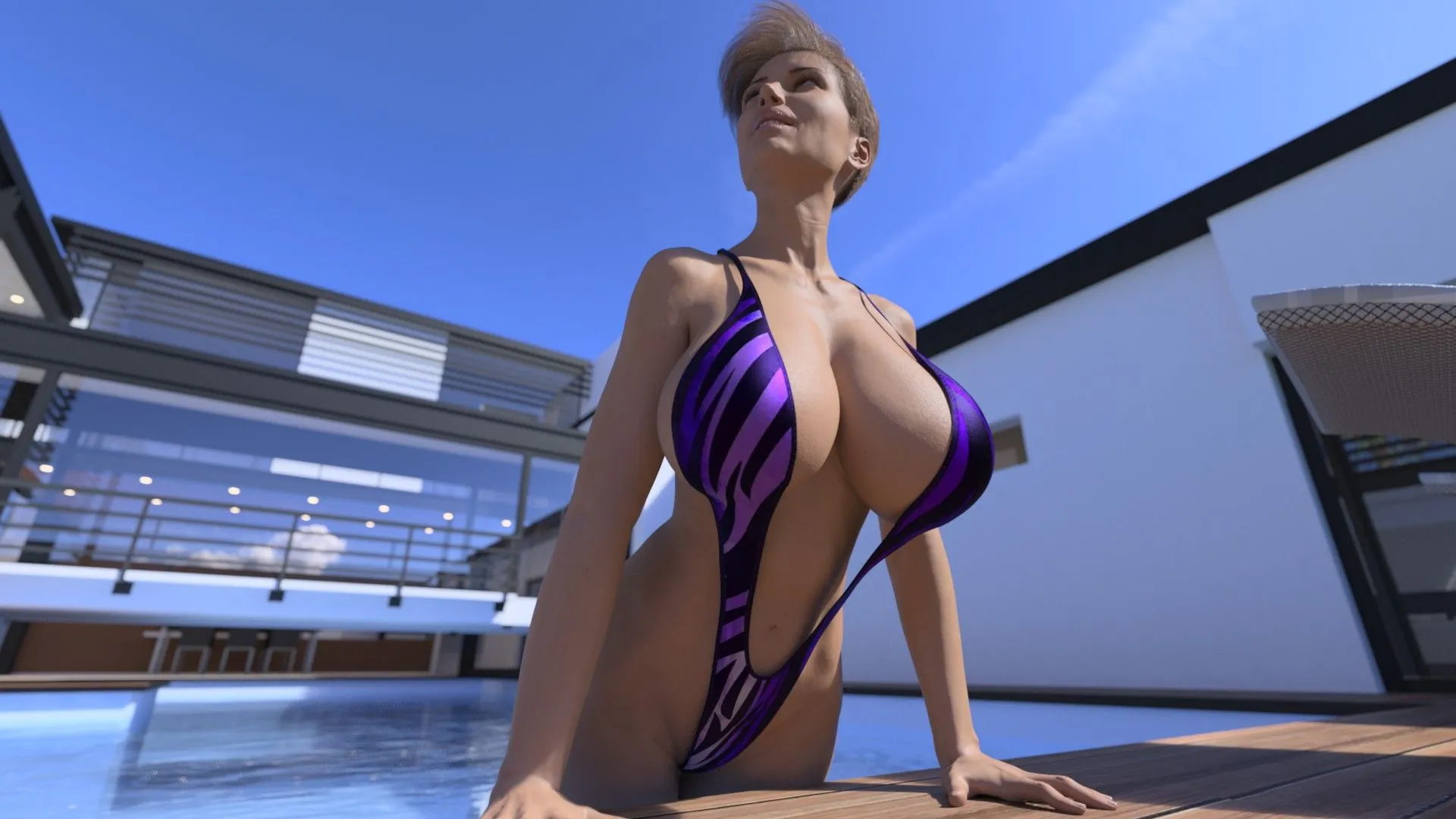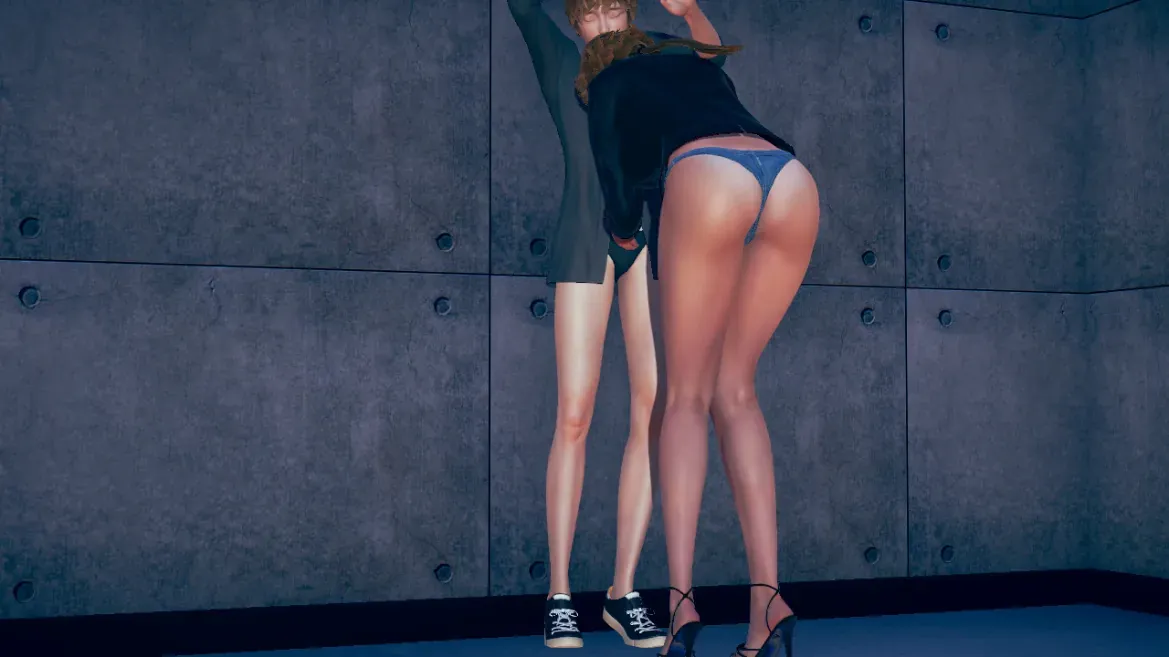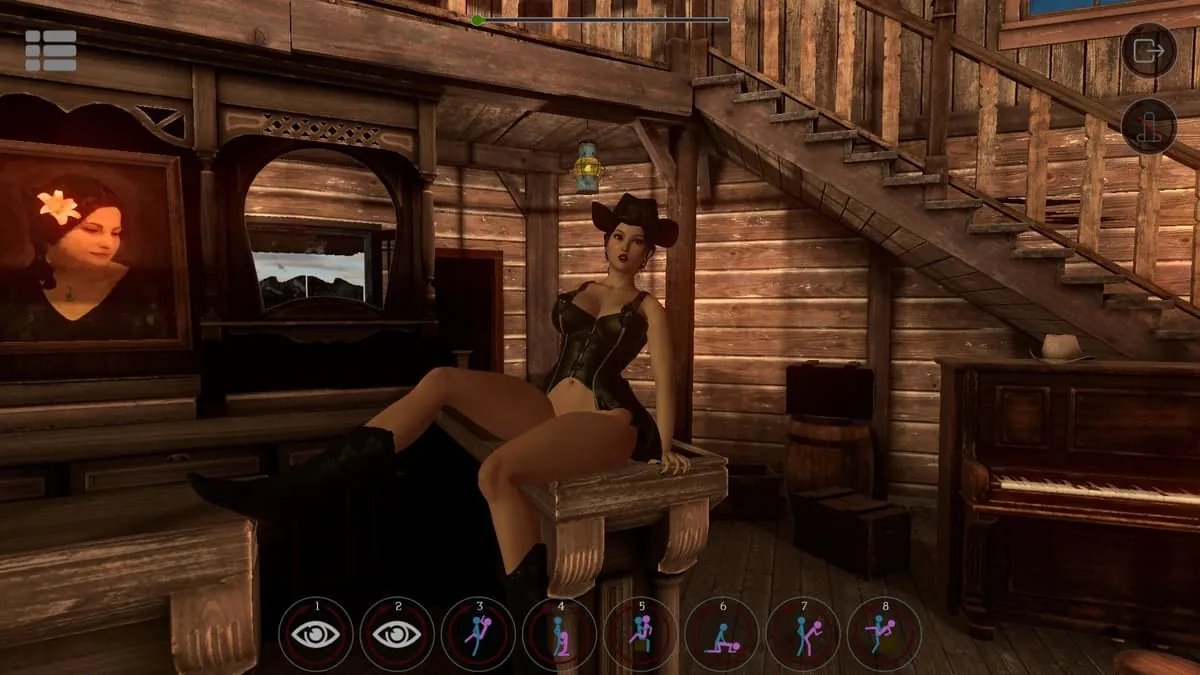
SinVR Screenshots
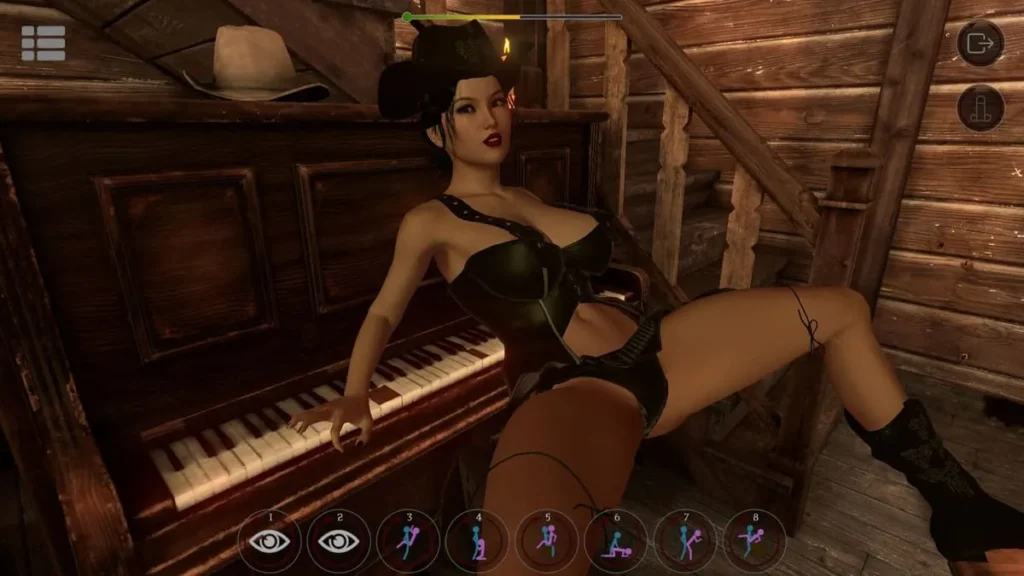
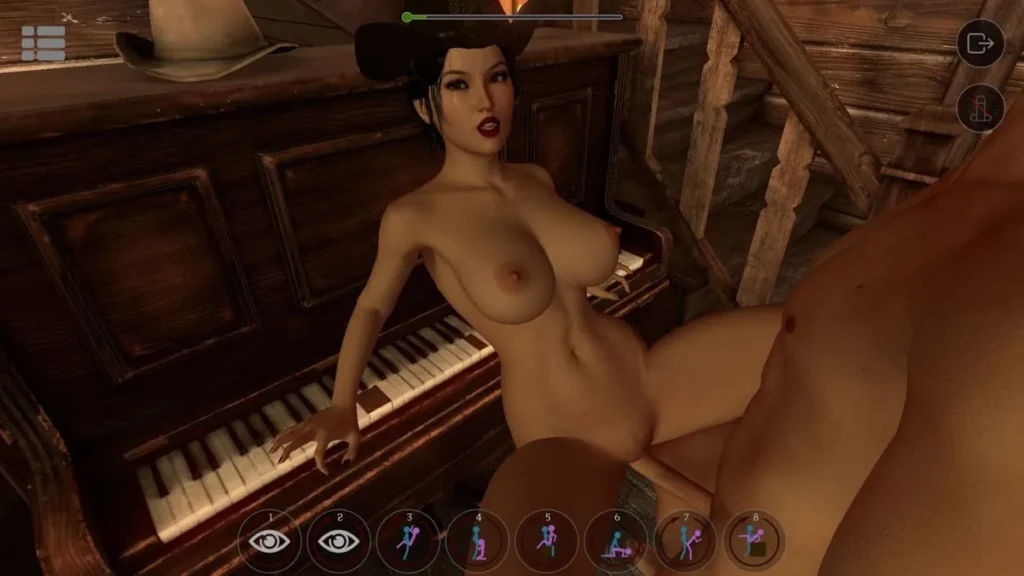
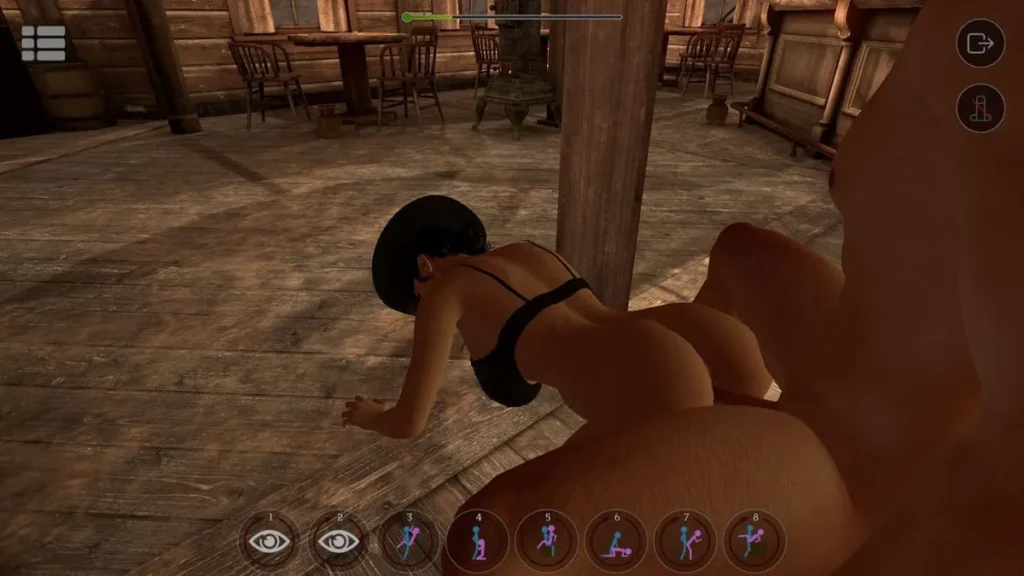
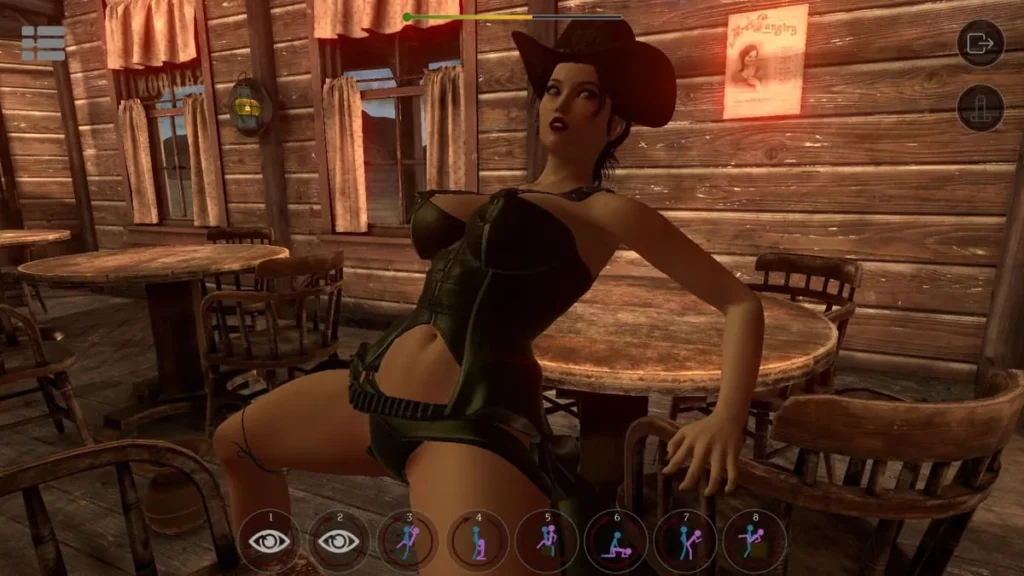
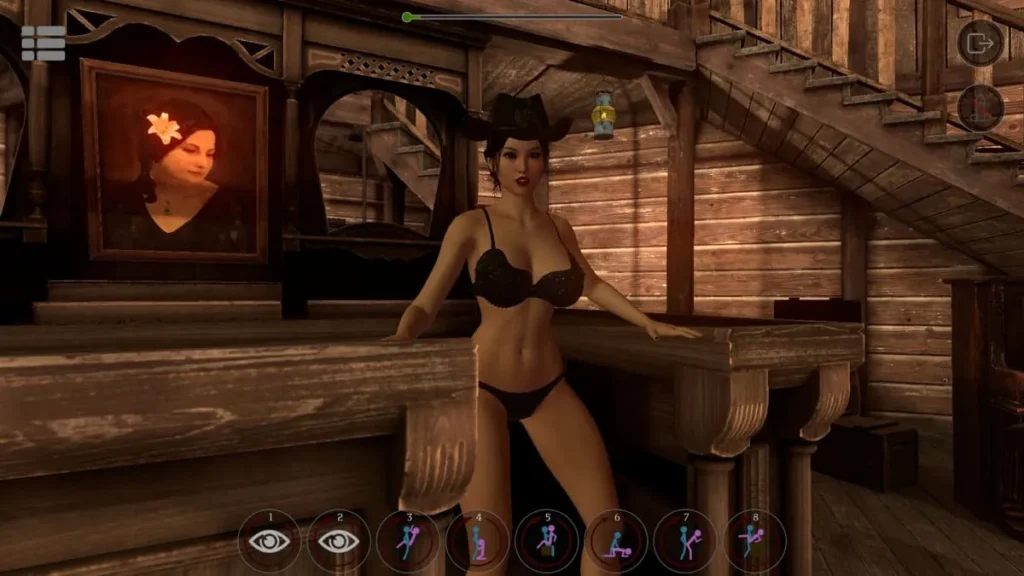
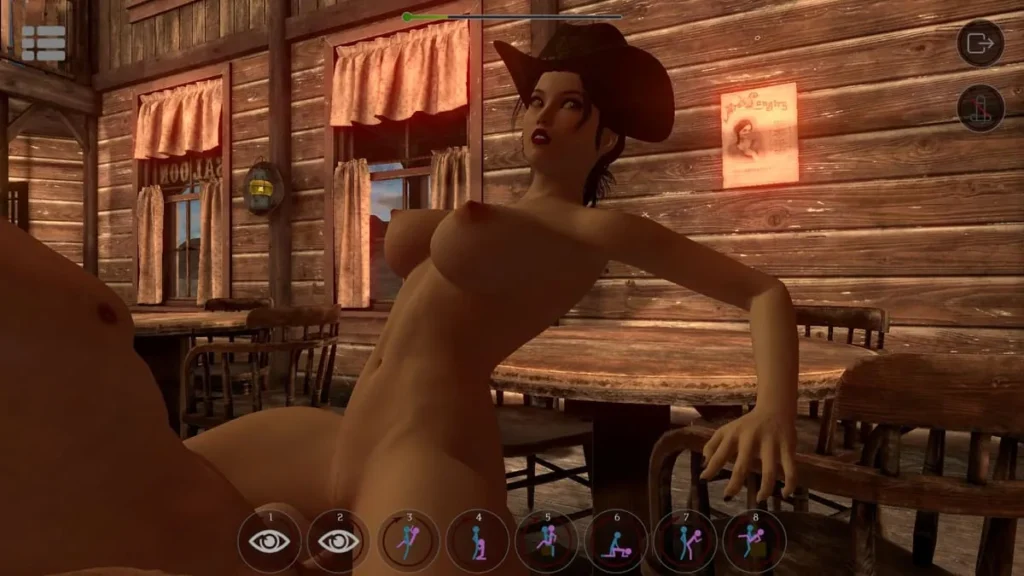
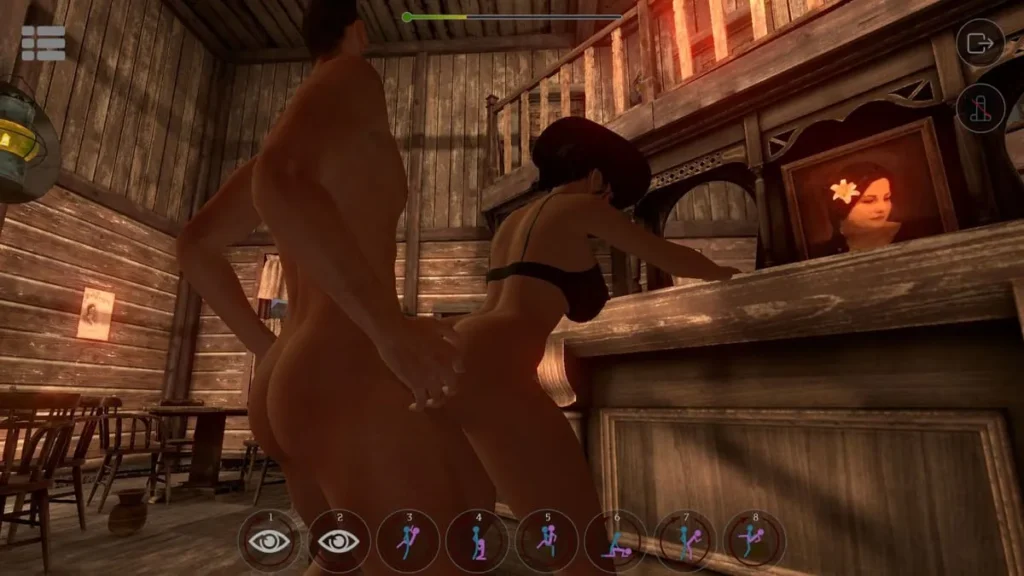
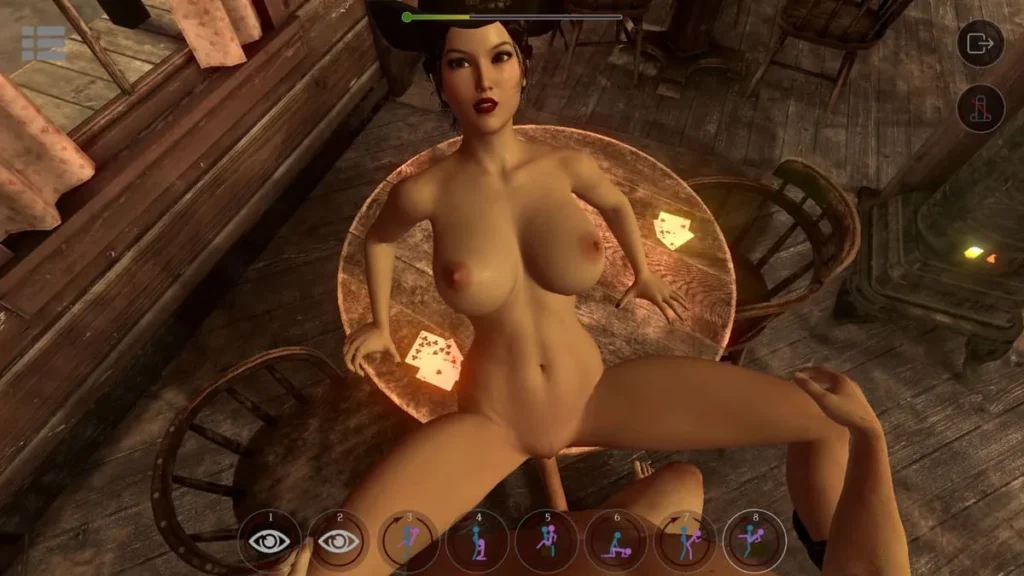
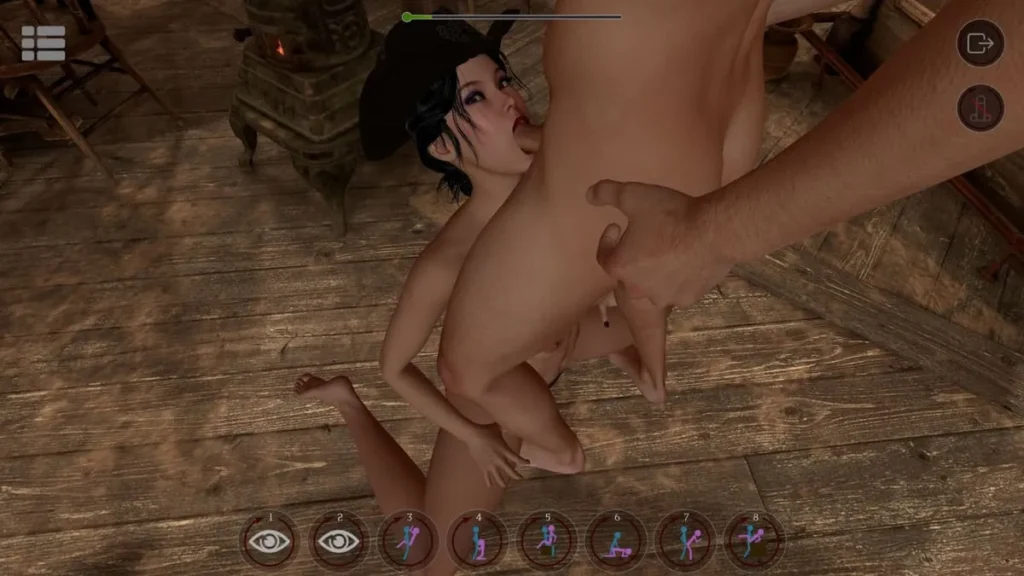

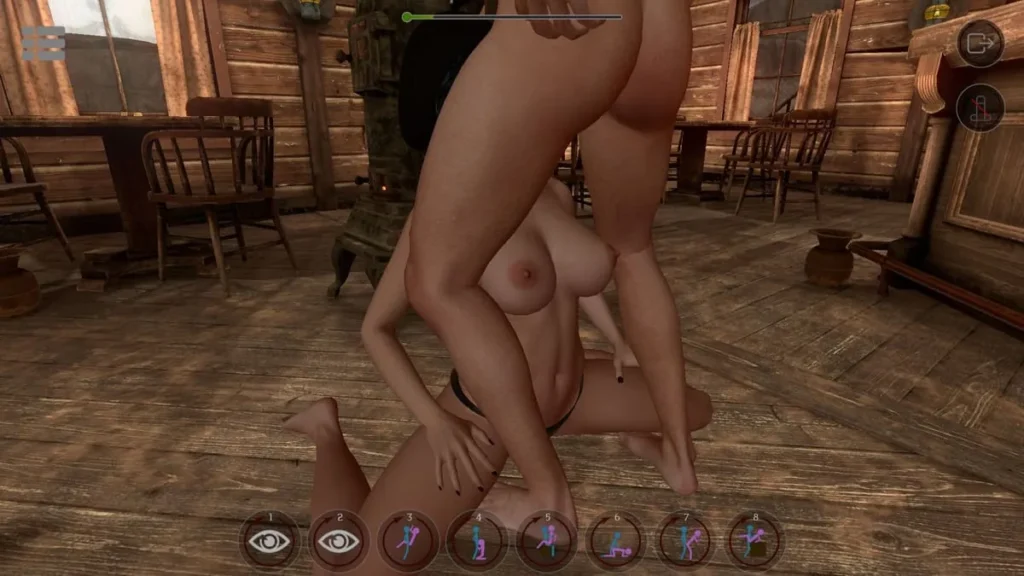
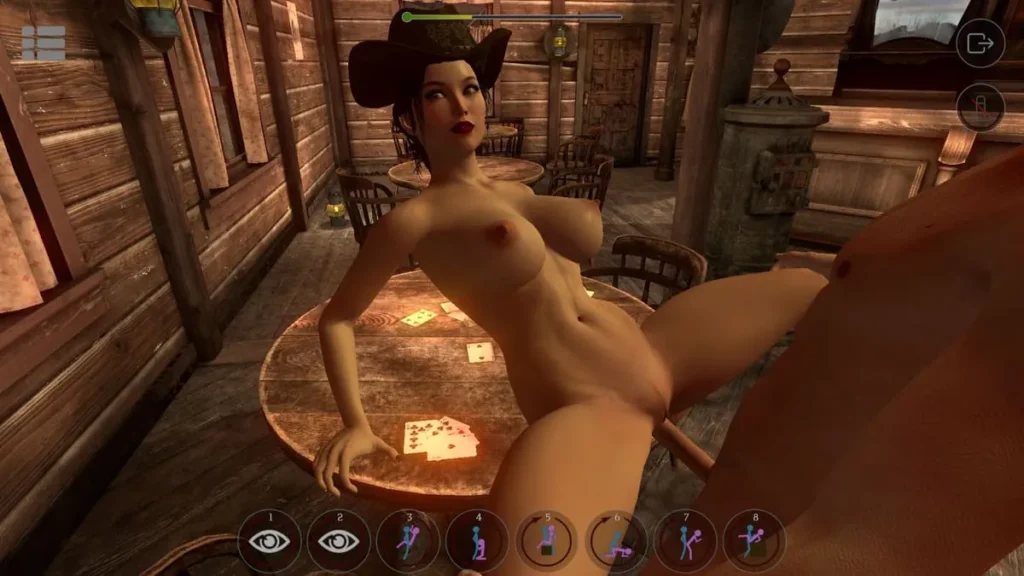
SinVR review
Complete guide to the adult virtual reality simulation experience
SinVR is an adult virtual reality simulation game that launched in 2016, offering immersive interactive experiences through VR headsets or traditional PC controls. The game combines AI-driven character behavior with customizable scenarios, allowing players to engage with virtual companions in various environments. With support for multiple VR platforms including HTC Vive and Oculus Rift, SinVR delivers a unique blend of interactive gameplay and personalization options. This comprehensive guide explores the game’s core features, technical requirements, VR capabilities, and available content expansions to help you understand what this simulation experience offers.
Understanding SinVR: Core Gameplay and Features
Let’s be honest—booting up a new virtual reality experience can sometimes feel like a gamble. 😅 You’re never quite sure if the controls will be intuitive, if the world will feel alive, or if you’ll just be awkwardly waving your controllers at static objects. I remember my first foray into adult VR sims; I was more frustrated by clunky menus and unresponsive characters than I was immersed in any fantasy. It was a classic case of great promise, poor execution.
That’s exactly why SinVR was such a breath of fresh air. From the moment I loaded in, it was clear this wasn’t just another basic experience. It felt designed, considered, and—most importantly—fun to actually play. It understands that the core of a great simulation isn’t just about what you see, but what you can do and how the world reacts. So, let’s dive into the heart of what makes this virtual playground tick. 🎮
What Makes SinVR Unique in VR Simulation
At its core, SinVR is built on a philosophy of freedom and interaction. Unlike many experiences that funnel you down a single, pre-scripted path, SinVR hands you the keys to a dynamic sandbox. The magic isn’t in watching a scene play out; it’s in directly influencing it with your actions. The most groundbreaking aspect of this is the AI-driven behavior VR system. The characters aren’t just mannequins waiting for a command. They have reactive personalities and respond to your touch, your pace, and your choices, creating a sense of presence that’s often missing.
Think of it like this: instead of pressing “play” on a movie, you’re stepping onto a stage with a talented improv partner. This foundation of responsive AI makes every interaction feel unique and personal. Beyond the AI, several other pillars hold up this unique experience:
- Responsive Character Interaction System: This isn’t a simple “click and watch” setup. Your actions have direct, visible consequences on your partner’s reactions.
- Professional Voice Acting: Every line is delivered by voice actors, adding a crucial layer of emotional depth and authenticity to encounters. It’s the difference between a silent film and a blockbuster.
- Immersive Camera Control VR Game: You are the director. Switch between cinematic, pre-set angles or grab the camera for a fully free-moving, first-person perspective.
- Extensive Virtual Reality Poses and Scenarios: With a library of hundreds of poses and dozens of detailed environments, the creative combinations are nearly endless.
- Flexible Character & Scene Pairing: Any character can be placed in any scene. Fancy a cozy encounter in a spaceship lounge or something more dramatic in a medieval castle? You’re in control.
This combo of a living world and unparalleled user control is what truly sets the SinVR gameplay mechanics apart in the crowded VR space.
Interactive Gameplay Mechanics and Controls
This is where the rubber meets the road—or rather, where the controller meets the virtual world. 🕹️ SinVR is designed to be accessible, whether you’re a VR veteran with a full room-scale setup or someone just dipping their toes in with a desktop PC.
In VR mode, the adult virtual reality game controls are gloriously physical and intuitive. Your motion controllers become your hands. Want to touch, guide, or interact? You simply reach out and do it. The game uses a combination of trigger holds, button presses, and realistic gestures to manage everything from selecting poses to subtly adjusting a character’s position. A quick flick of the wrist might change an angle, while a gentle touch might elicit a different reaction from your partner. The learning curve is satisfyingly shallow because it leverages the natural “reach and grab” instinct we have in VR.
But what truly impressed me was the seamless character interaction system. Using the controllers, you can directly influence the scene. The AI-driven behavior VR elements shine here, as characters will react to the speed and pressure of your movements. It creates a feedback loop that feels less like inputting commands and more like genuine interaction.
Now, for those without a VR headset, SinVR doesn’t leave you out in the cold. The non-VR mode is surprisingly robust. Using just your mouse (and keyboard for camera controls), you can navigate the entire experience. The mouse acts as your pointer and primary interaction tool, allowing you to click on characters, select options from radial menus, and navigate scenes. While you lose the physicality of motion controls, the core SinVR gameplay mechanics of scene selection, pose orchestration, and character management remain fully intact. It’s a testament to the well-designed underlying systems.
To see how these modes stack up side-by-side, here’s a quick breakdown:
| Aspect | VR Mode Experience | Non-VR (Desktop) Mode |
|---|---|---|
| Primary Control Method | Motion Controllers (Hand Presence) | Mouse & Keyboard |
| Required Equipment | PC VR or Meta Quest Headset (via Link/Air Link) | Standard PC/Mac |
| Immersion Level | High (You are “inside” the scene) | Moderate (You are “directing” the scene) |
| Interaction Feeling | Physical, Direct, and Intuitive | Point-and-Click, Menu Driven |
| Camera Control | Full 6DOF movement; Be the camera | Orbital, tracked, and free-floating modes |
My personal advice? If you have VR, that’s undoubtedly the way to experience the full depth of the VR simulation interactive features. The sense of presence is transformative. But if you don’t, the desktop mode is a perfectly valid and feature-complete way to enjoy the sandbox. It’s incredibly inclusive design.
Character Customization and Scene Variety
If the SinVR gameplay mechanics are the engine, then the characters and scenes are the beautiful, customizable body sitting on top of it. 🎨 This is where your personal fantasies take shape, and the game provides an impressive toolbox to make it happen.
Let’s start with the characters. SinVR offers a growing roster of diverse female partners, each with distinct looks, styles, and—thanks to that fantastic voice acting—personalities. The game wisely offers a free starter pack that includes one full character and one scene. This isn’t just a demo; it’s a fully functional introduction to the entire character interaction system. You can learn all the controls, experiment with poses, and get a real feel for the AI’s reactions without spending a dime. It’s a confident move that lets the quality speak for itself.
Now, onto the real magic: the virtual reality poses and scenarios. We’re not talking about a handful of static options. We’re talking about a vast, mix-and-match library. Hundreds of poses across numerous categories can be applied to any character in any location. This is the ultimate “what if” machine. Found a scenic environment you love but wish the action was different? Swap the pose set. Have a favorite character but want a change of backdrop? Drop her into a completely new scene. The separation of character, pose, and setting is the single most powerful feature for long-term creativity.
Speaking of settings, the environmental design is a star in its own right. From intimate bedrooms and luxurious penthouse suites to more exotic locales like fantasy forests or sci-fi cyberpads, the attention to detail is stellar. These aren’t just flat backdrops; they’re interactive spaces that contribute to the mood. And with the immersive camera control VR game options, you can explore every corner of them, finding the perfect angle for your scene.
Pro Tip: Don’t just stick to the preset pose sequences. Use the “Pose by Pose” mode to manually build your own unique scenario, adjusting timing and transitions. It’s like being a choreographer for your own virtual performance.
Finally, let’s talk about the party mode—threesomes. This isn’t just adding a second static model. SinVR’s systems allow the characters to interact with each other as well as with you, creating complex, dynamic group scenarios. Managing the flow between two AI-driven partners introduces a whole new layer to the VR simulation interactive features, showcasing the robustness of the underlying animation and behavior technology.
In essence, SinVR provides the canvas, the paints, and the brushes. Whether you’re looking for a quick, curated experience or want to spend hours crafting the perfect custom scene, the tools are all there, working in harmony. It’s this commitment to player agency and creative freedom, built on a foundation of responsive AI and intuitive controls, that makes the experience not just a simulation, but a personal creation suite. Your imagination is really the only limit.
SinVR represents a distinctive entry in the adult virtual reality gaming landscape, offering comprehensive interactive experiences across multiple platforms. The game’s strength lies in its flexible approach to VR, supporting dedicated headsets like the HTC Vive and Oculus Rift while remaining accessible to players with standard PC setups. With AI-driven character behavior, professional voice acting, and an extensive customization system, SinVR delivers personalized gameplay experiences. The free-to-play model with optional DLC expansions allows players to explore the core experience before investing in additional content. Whether you’re interested in VR simulation gaming or seeking to understand the technical capabilities of adult-oriented virtual reality titles, SinVR demonstrates how modern game engines enable sophisticated interactive experiences. For potential players, evaluating your VR hardware compatibility and considering the DLC investment will help determine if this simulation aligns with your interests and budget.